

Alternate Machines
Social
(opens in a new tab) (opens in a new tab) (opens in a new tab) (opens in a new tab) (opens in a new tab) (opens in a new tab)
Book a free 15-minute call (opens in a new tab)

Working demo · prepared example

One everyday task · about 60 seconds

One question in. A checked next step out.

Choose a fictional task. Watch approved information get checked, a useful next step prepared and a person stop or approve it. The final decision is recorded here—and nothing you type leaves this page.

AskCheckPrepareApproveRecord

Invented information · no live AI or client systems · nothing sent
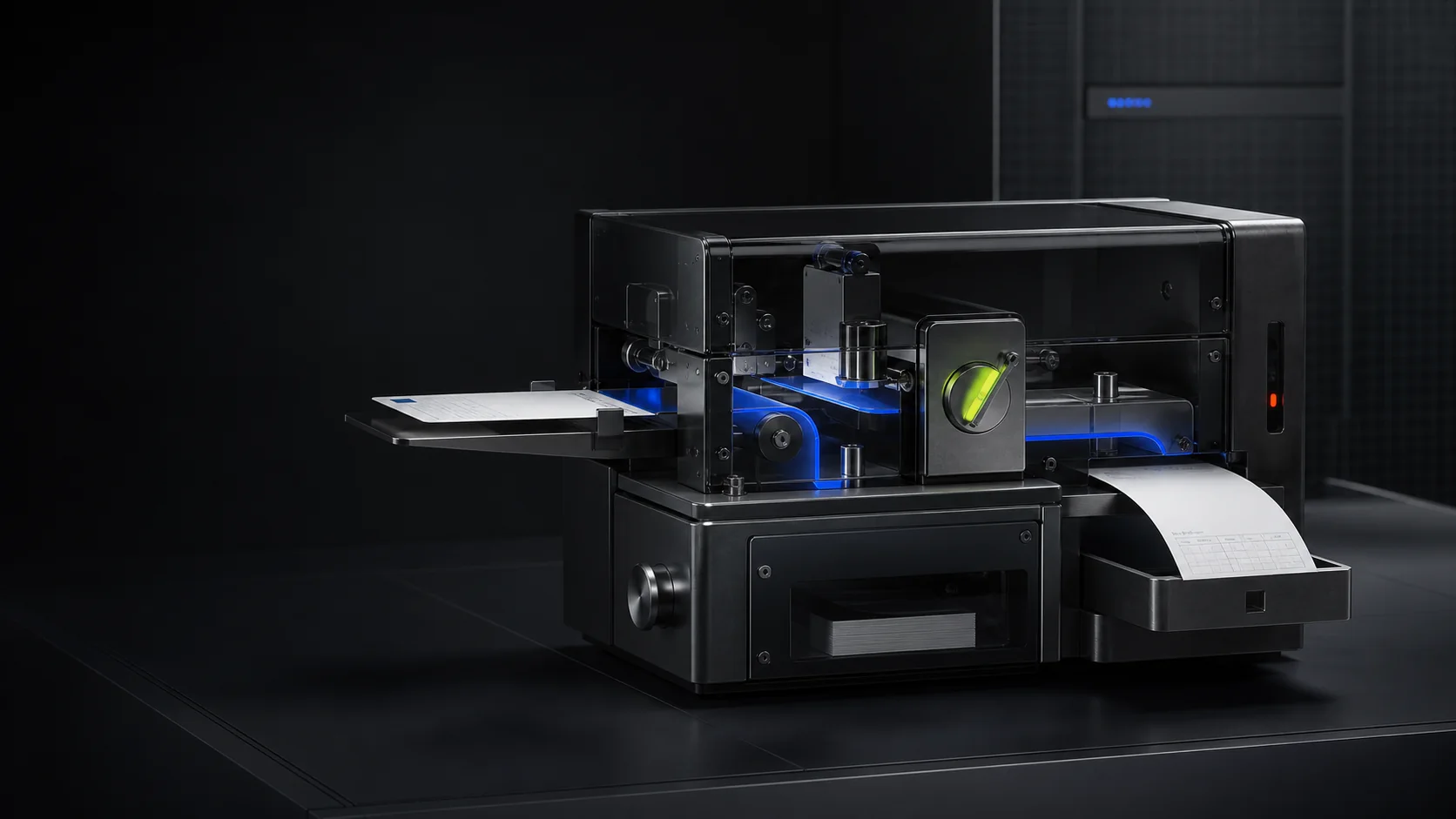
Cinematic concept of a workflow machine receiving a work card, routing it through blue and lime controls and producing a written record.

Illustration only · not a customer result

GUIDED DEMO · THREE PREPARED EXAMPLES

Run one prepared workflow.

Invented informationNo live systemsNo outside actionHuman approval shown

Invented information · no live systems · no outside action

You are a client-services coordinatorAnswer using approved company information
  1. Alternate Machines guide

    Use the three fictional sources here. I will show where the answer came from and stop when a person must decide.

Use made-up details only. Nothing is saved or sent.

0/400
01Ask
02Check
03Prepare
04Approve
05Record

CURRENT EXAMPLE

Question received

Find the source, handle uncertainty and prepare a reply.
Responsible person
Client services coordinator
Status
Question received
Next action
Check approved sources
Result
Nothing sent or changed
Example reference
Not created

Choose an example question. Every information check, proposed action, human decision and result will appear here.

Knowledge baseEXAMPLE ONLYMicrosoft 365EXAMPLE ONLYShared inboxEXAMPLE ONLY
DECISION RECORD

No decision yet

Responsible person
Client services coordinator
Next action
Check approved sources
Outside action
None
Reference
Not created

This proves the example works as shown—not compatibility, customer results or readiness for live use.

WORKFLOW VALUE ESTIMATOR · YOUR ASSUMPTIONS

Put a value on the work before deciding what to automate.

CALCULATED IN THIS BROWSER

Your entries are not saved or sent. Plausible may count the page visit, but it does not receive these figures. Reset or reload clears them.

01 · CURRENT WORKInvented starting values—replace them with honest averages.
Workload assumptions
Potential time released
Comparison route

Shows workflow value only, without forcing a purchase comparison.

Add evidenced cash costs and delivery costsOptional

Ongoing support is by written proposal. Enter £0 explicitly only when comparing a one-off build with no new ongoing costs. Results exclude every licence, supplier and transition cost you leave out.

Enter your assumptions, then calculate the range.

02 · YOUR RESULTMake the assumptions visible.

The result will show a lower and upper capacity range, the full calculation and—only when appropriate—an entered-cost comparison. It is allowed to conclude that a build is not supported.

Safe guided example · invented information · no client systems connected. Do not enter personal, confidential, financial or login information.

This page combines several things we may build. A £3,950 Controlled Workflow Build covers one agreed process and up to two named software systems or accounts, provided the supplier supports the required connection. Larger assistants, portals, management views and ongoing support are priced separately under a written proposal.

One question · several useful outcomes

See how an answer becomes the next completed task—and how a client could keep control.

This example shows several things we can assess or build. A real project starts smaller. The Workflow Decision identifies one useful improvement first. Larger assistants, portals and management views need their own agreed price and plan. Complete the workflow above to open an illustrative managed client view built only from your current fictional example.

01

Assistants that answer questions

Answer questions, qualify enquiries and draft replies using a limited set of approved information.

02

Useful process automation

Turn a conversation into a clear starting point, responsible person and dated next step—even when information is missing.

03

Work passed between systems

Move agreed work between your inbox, Microsoft 365, CRM or accounting software after checking that the connection is suitable.

04

One view of work needing attention

Show work that needs attention, important decisions and the people responsible in one useful view.

05

Human approval

Keep important actions with the right person and make it easy to send work back for changes.

06

Instructions and monthly support

Write down the tests, decisions, access limits and agreed support for the finished work.

From example to working improvement

The useful part is not the chat. It is the business task that gets completed.

Before anything goes live, we agree which information it may use, who may access it, what happens when information is missing and who approves important actions. We test the result and hand over clear instructions. The first paid step decides whether you need AI, a feature you already own, a small automation—or building nothing. If the task is already clear and fits the £3,950 build limits, we can quote the build directly.

REVIEW + DECIDE£950

Workflow Decision

When the right fix is uncertain, we review one clearly defined part of the business, check your existing software and give you a written recommendation.

BUILD + TEST£3,950

Controlled Workflow Build

When the task fits the published limits, we build and test one agreed improvement across up to two named software systems or accounts your organisation controls, provided the supplier supports the required connection.

WIDER OR ONGOING WORKBy proposal

Quote the real requirement

We price more tasks, systems, assistants, management views or ongoing support only after the actual scope and service need are understood.

What is real—and what is not

You can test the interaction. It is not a customer case study.

What this proves
The questions, information checks, approval choices and on-page record work as shown.
What this does not prove
It does not prove customer results, savings, compatibility with your software, security certification or readiness for live use.
Before a real AI assistant could be used
We would agree the AI provider, privacy rules, spending limit, safety controls and tests before connecting it to real work.